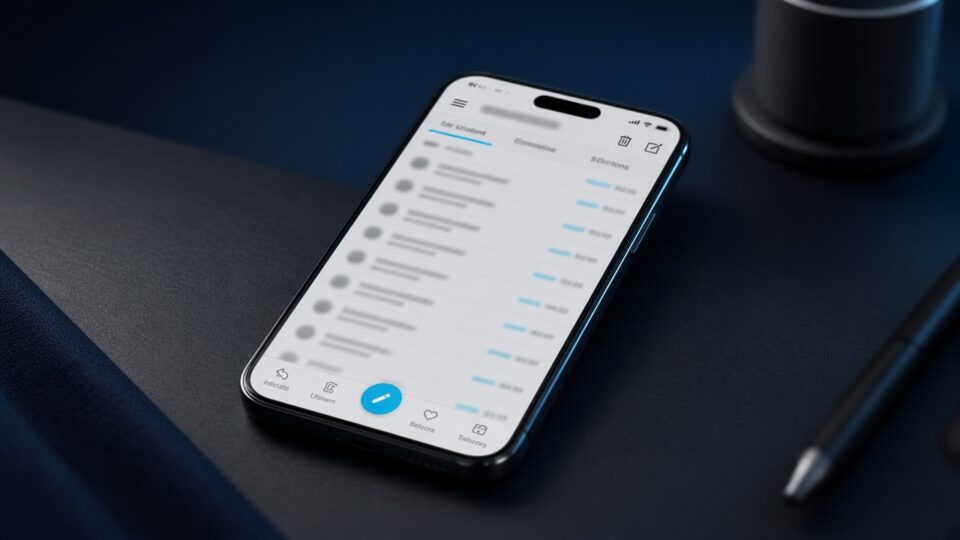
Thunderbird finally has a public look at an iOS client. This is not a desktop port and not a wrapper around Android: the app is native, almost entirely in Swift and SwiftUI. The goal is one mail on the computer and in the pocket without feeling like two different products.
What they are already drawing
Fast sign-in for Google and Microsoft, several mailboxes at once. Background sync should keep the inbox fresh without killing the battery. The message layout is promised calm, the editor a normal formatting bar, not a “2012 input field”. Experimental-feature flags are built in so the community can switch pieces on before a general release.
The first community test version is expected in the months after the 1 October post. Lightning calendar, desktop tags and add-ons such as a Nextcloud connector are not promised in the first build — people are already asking in the comments.
How this is not Apple Mail
The team puts privacy first: no tracking, no data collection. iCloud, mac.com and me.com boxes go in through ordinary IMAP with a password — Apple does not offer OAuth for its own mail. Later they want a desktop link such as account sync by QR. That is the answer to people who moved to iPhone and lost the Thunderbird they knew, with filters and labels.
How to look at it
This is a construction report, not a button in the App Store. Sign up for the test if you already live in Thunderbird on Linux or Windows and do not want a third shell on the phone. Do not expect desktop parity in the first season: mailbox and editor first, the rest if the community has not scattered to other clients over the winter.